Planner on your iPhone
There’s no App Store app to download. Put Planner on your Home Screen and it opens full screen like an app, with its own icon. It works the same way on an iPad.
Open app.severnplanner.com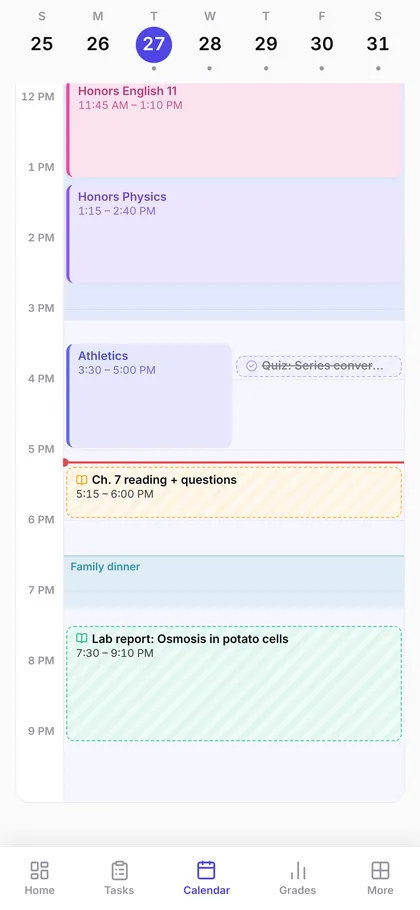
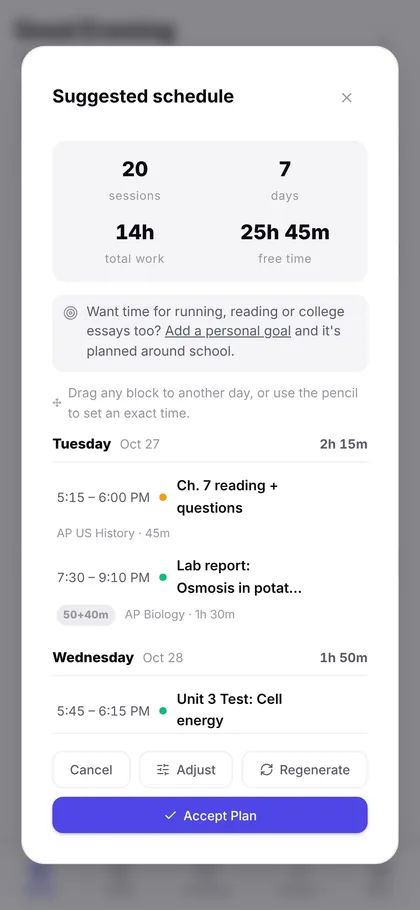
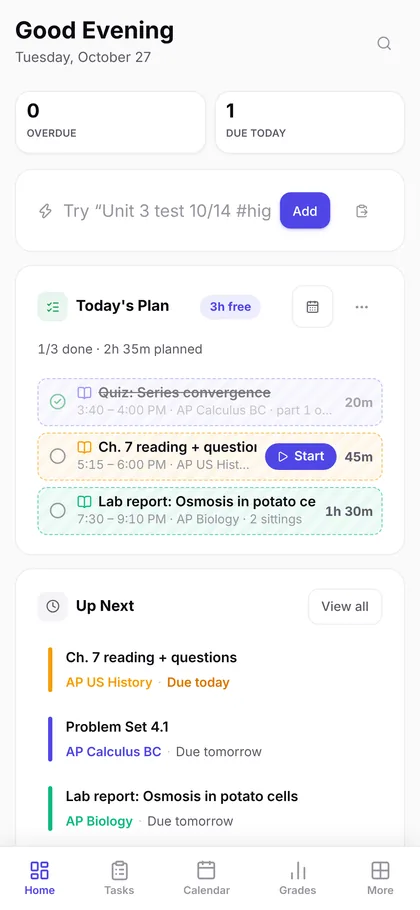
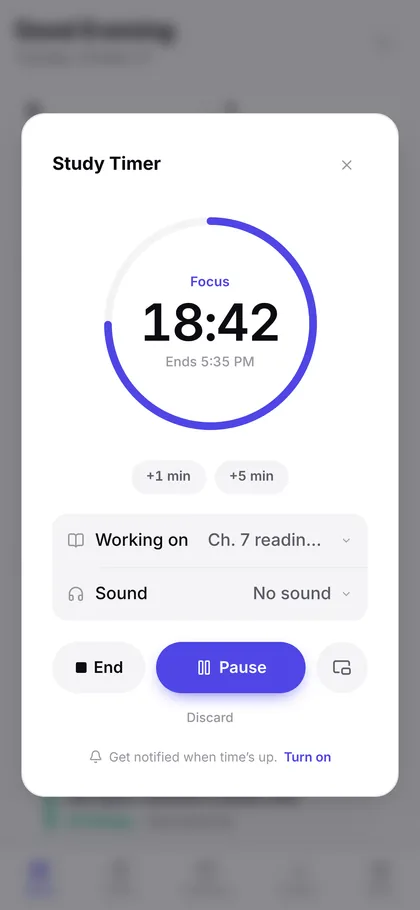
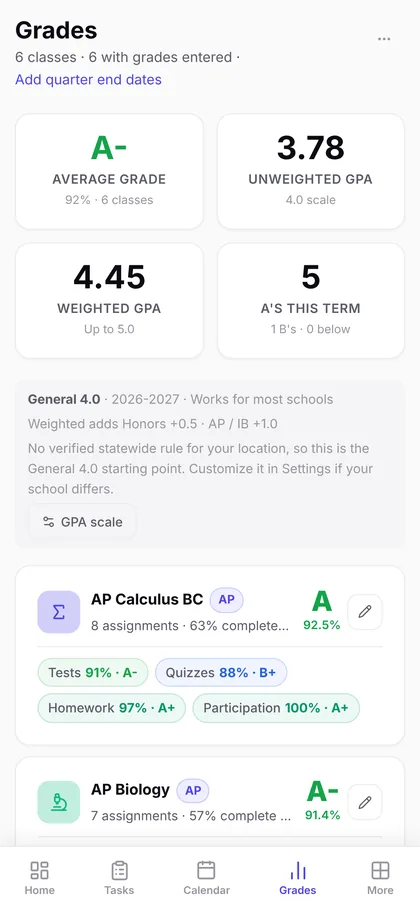
Sample data.
-
Step 1
Open
Open app.severnplanner.com in Safari.
-
Step 2
Add
Tap the Share button, choose Add to Home Screen, then tap Add. If you don’t see Share, tap the menu button next to the address bar first.
-
Step 3
Launch
Open Planner from your Home Screen and sign in. It keeps its own sign-in, so you sign in once more, but it’s the same planner.
 Planner
Reminders on your iPhone
iPhones and iPads only send a website’s reminders once it’s on the Home Screen. Open Planner from the Home Screen, then turn reminders on in Settings, then Account. This needs iOS 16.4 or later. Planner’s icon then shows how many things are due today.